Redesign your room with furniture that fits.
Scan your room with your phone. dizoda measures it, chooses furniture that fits the space, and shows up to three designs in a photo of your own room.
Google Play VERY SOON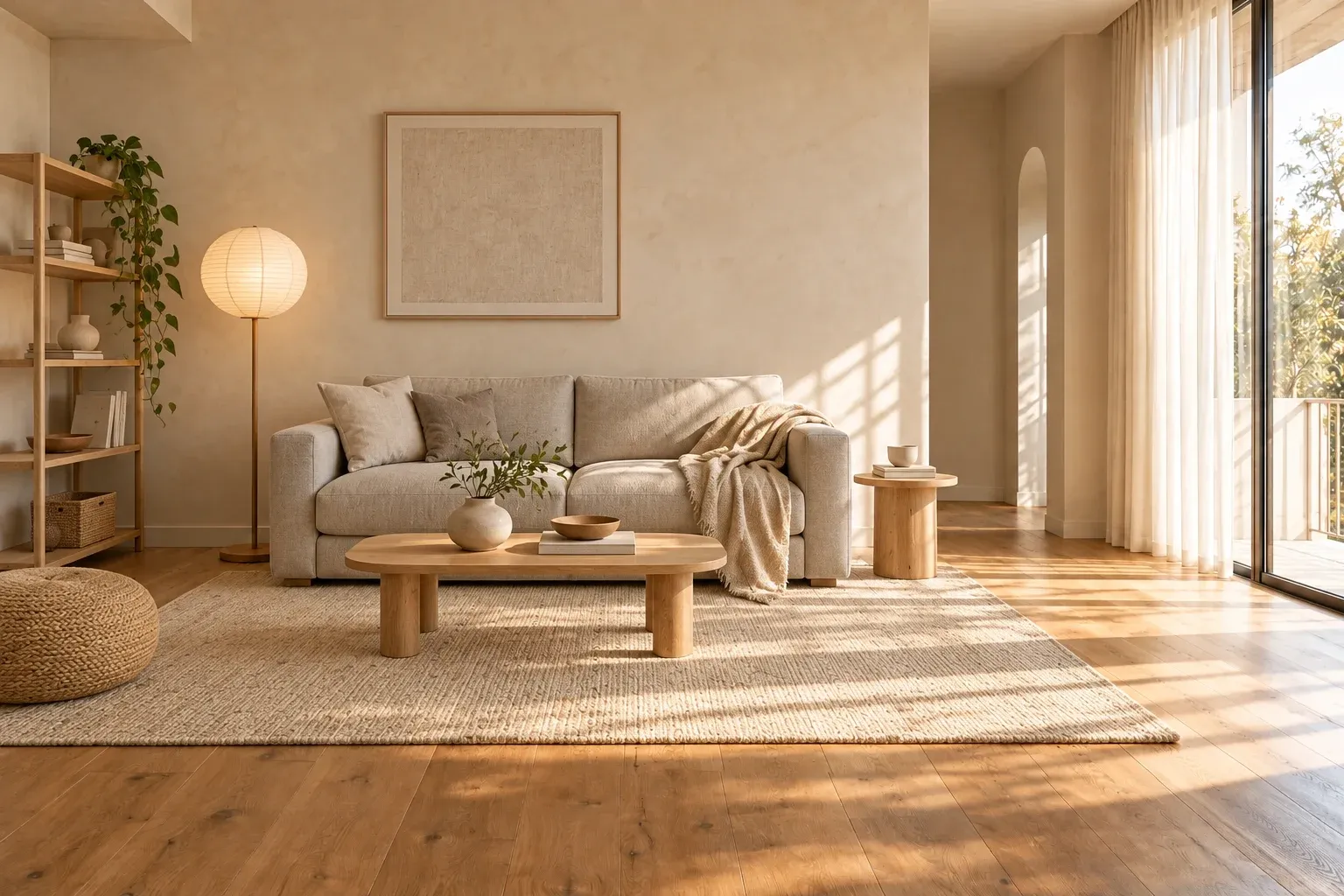
Illustrative example, AI-generated.
From scan to design in three steps.
- 1
Scan the room
Point your camera and tap the corners, doors and windows; dizoda turns them into a floor plan in meters.
- 2
Set your brief
Choose the room type, a style, a colour palette and your budget.
- 3
Get your designs
Up to three designs, each drawn into a photo of your room with furniture that fits.
Built around your room's real size.
Only pieces that fit
Every piece is checked against your walls, windows and door swings, and a clear walkway is kept from every door.
Tap any piece
See its dimensions, how much space it leaves, and alternatives that fit the same spot.
Swap in place
Pick an alternative and the design is redrawn with it. Changed your mind? Undo.
See it from above
A floor plan of each design shows every piece, including the ones outside the photo.
Homes, offices and halls.
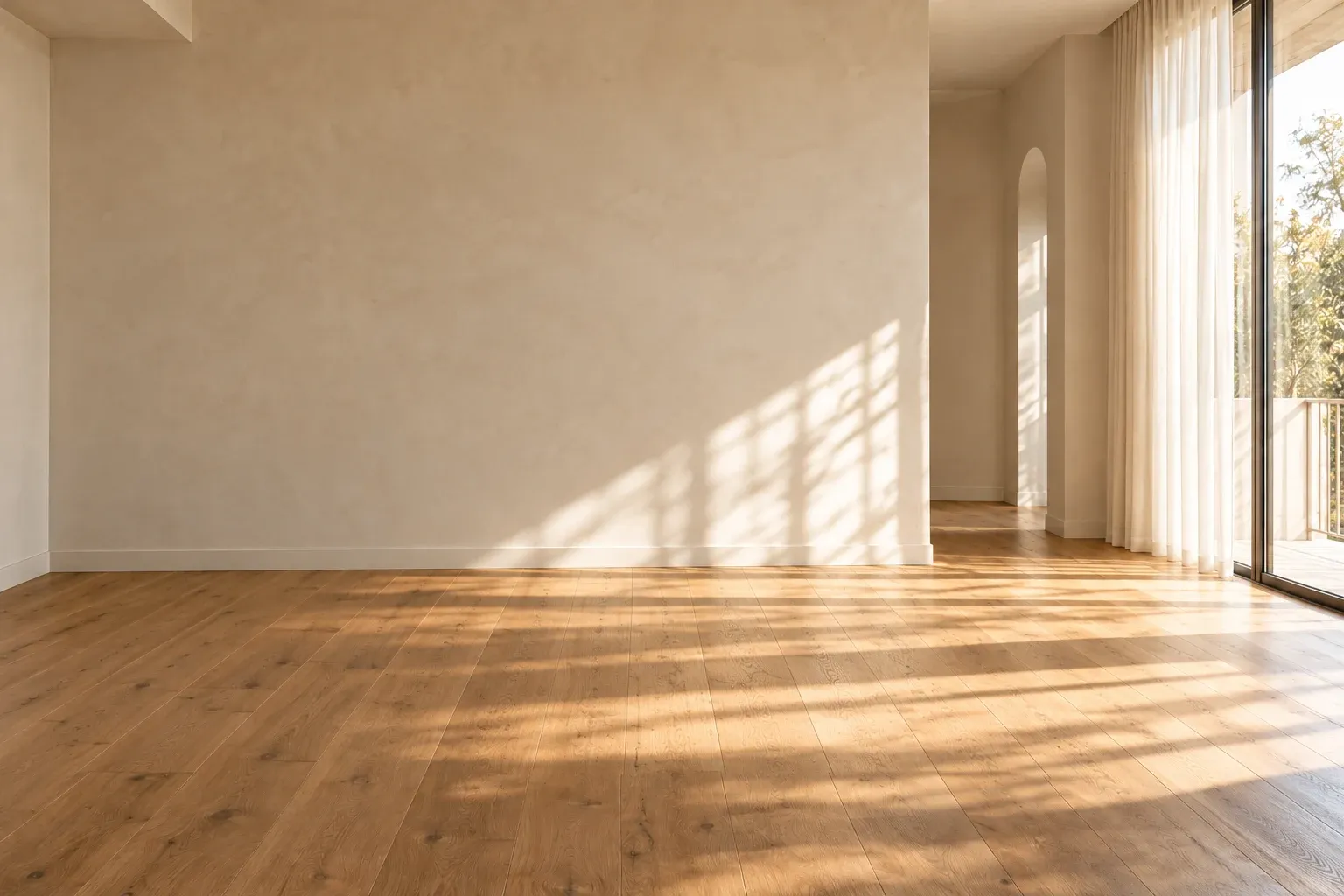
Pick a space and a style, then drag to compare.
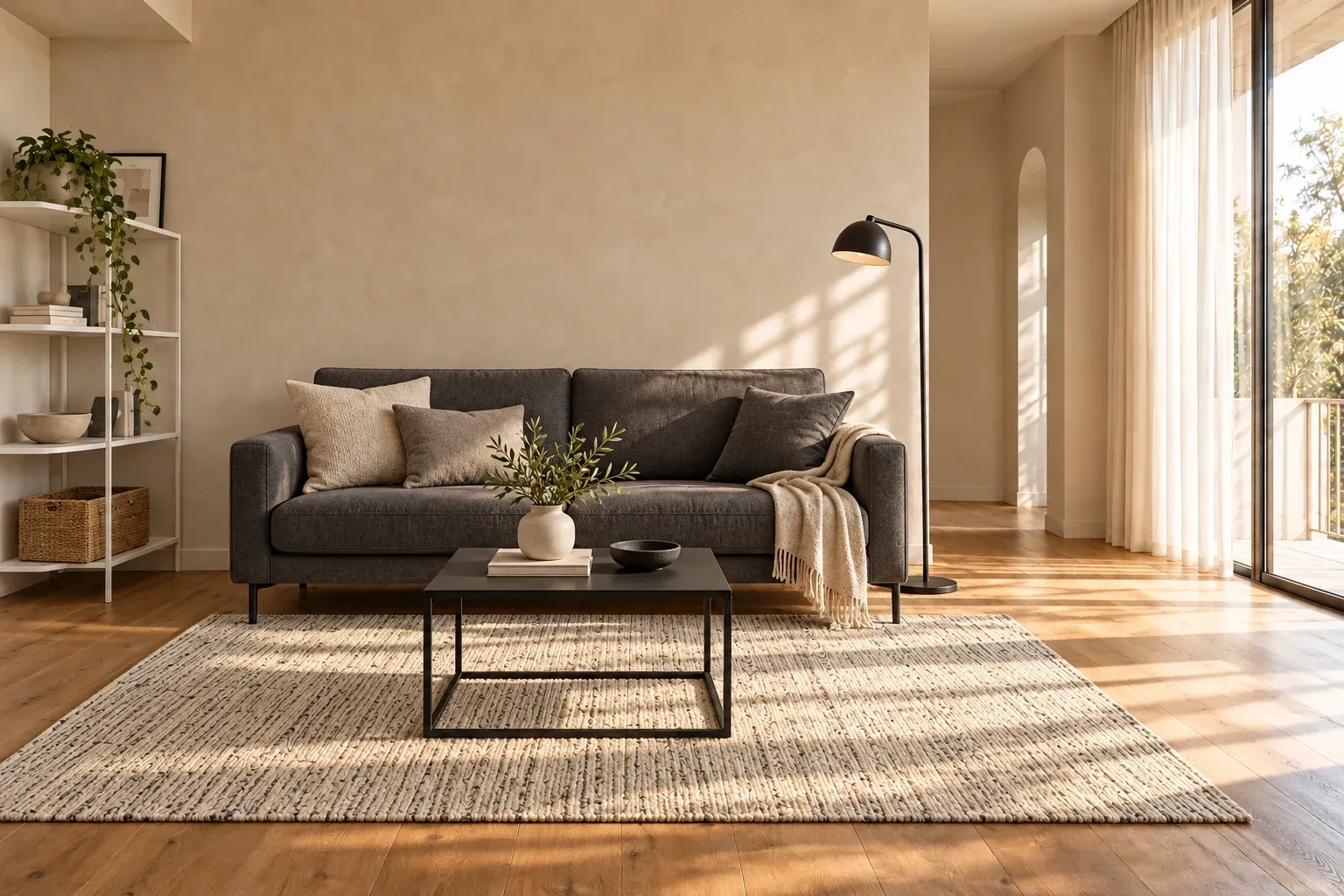
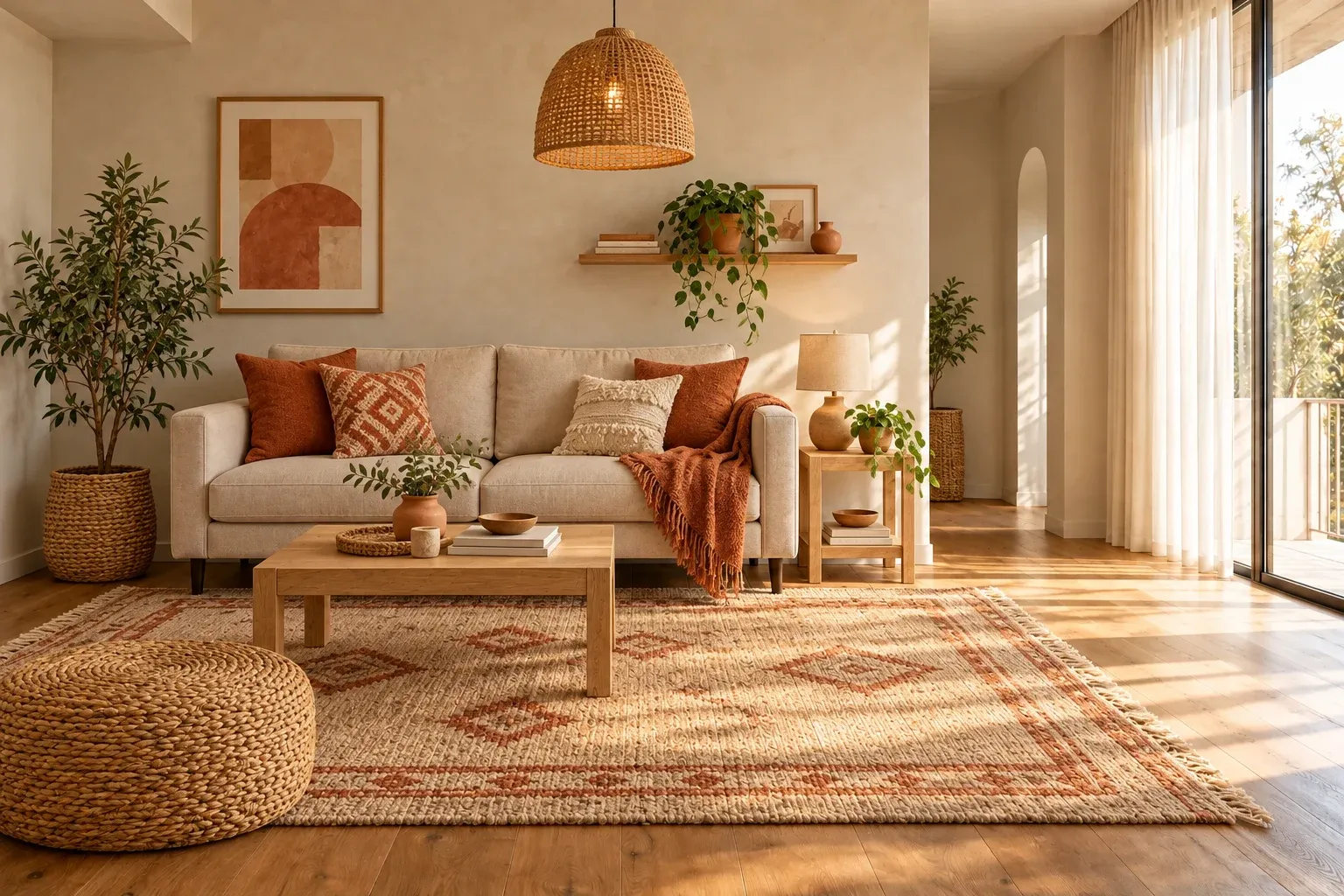
Illustrative example, AI-generated.
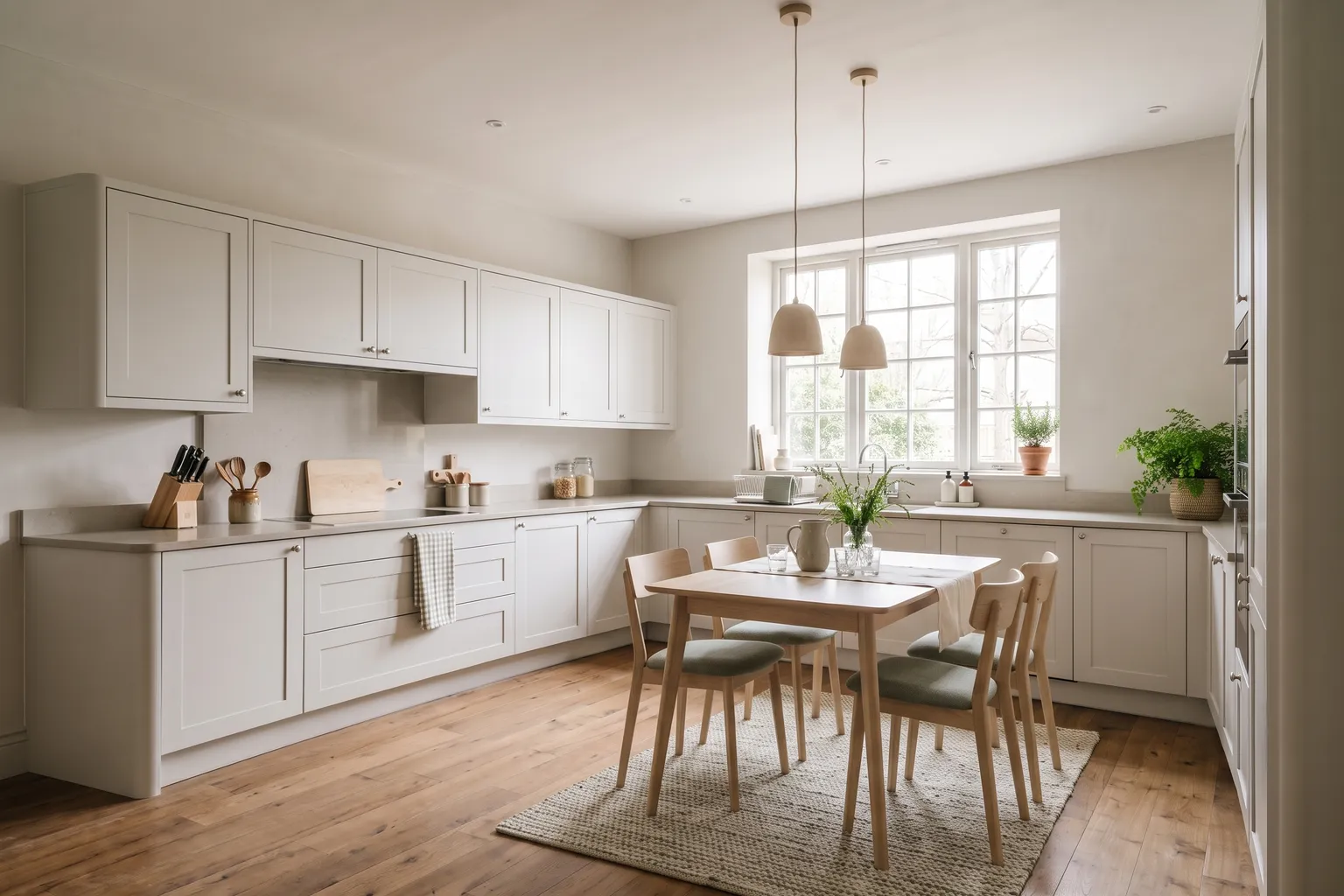
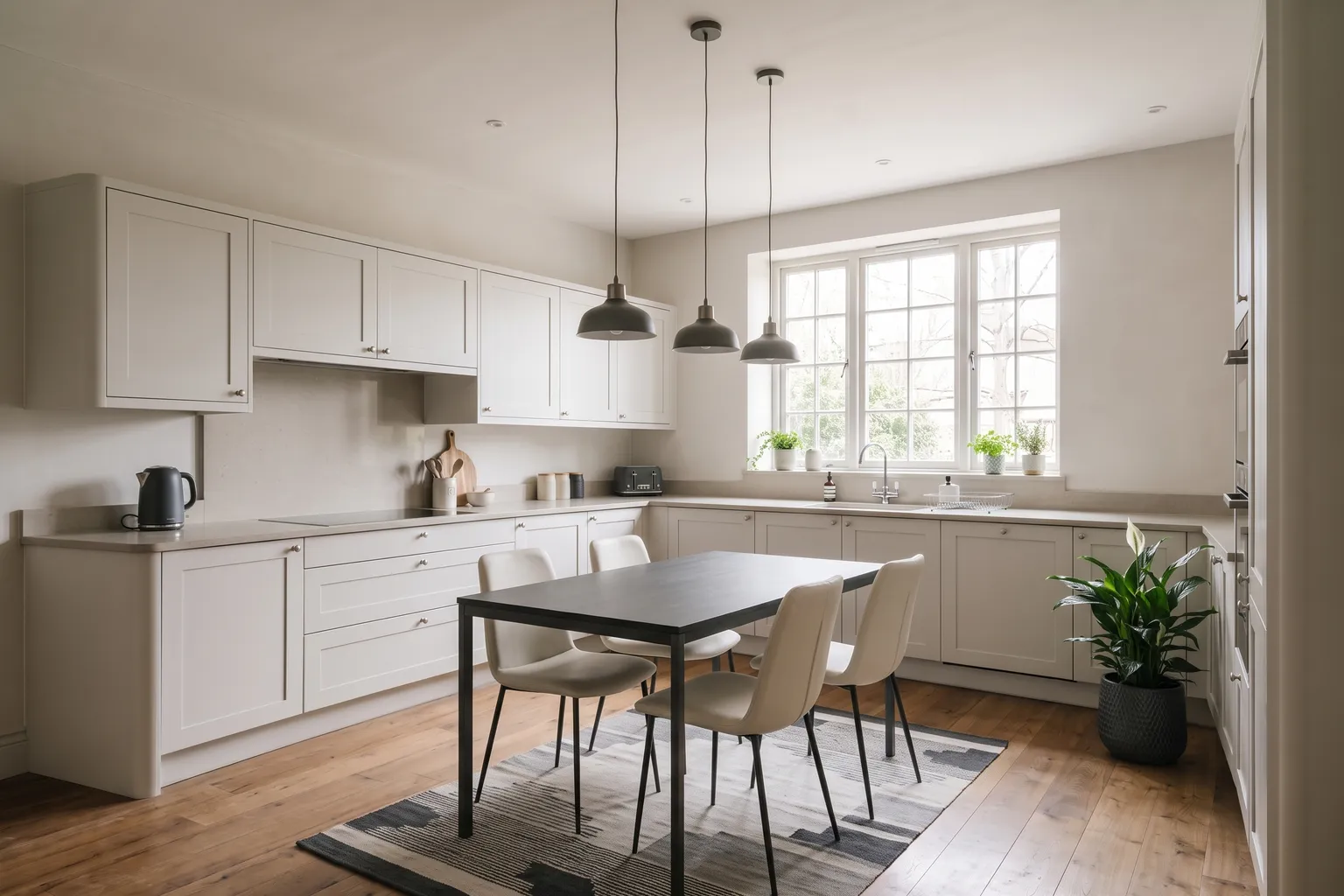
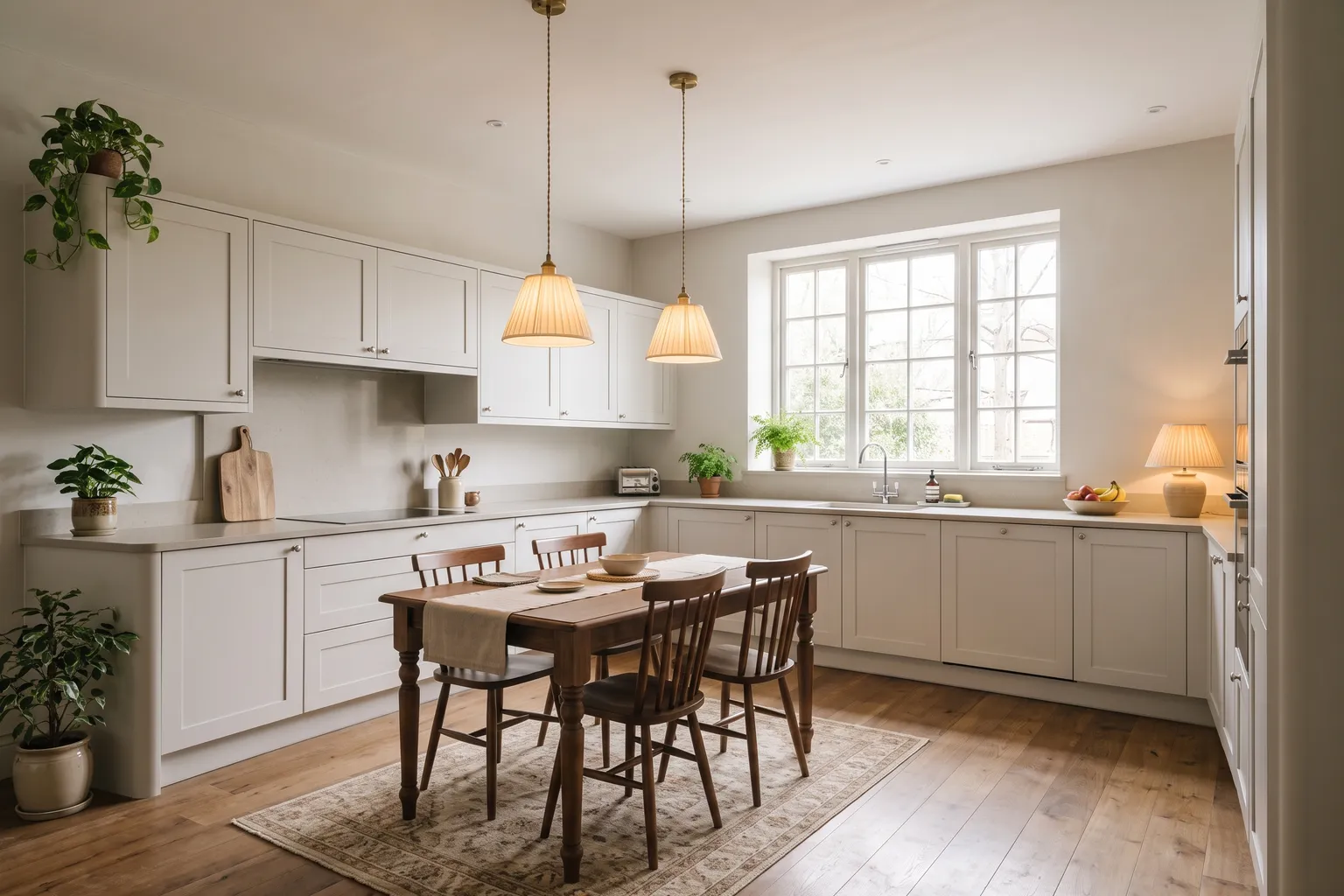
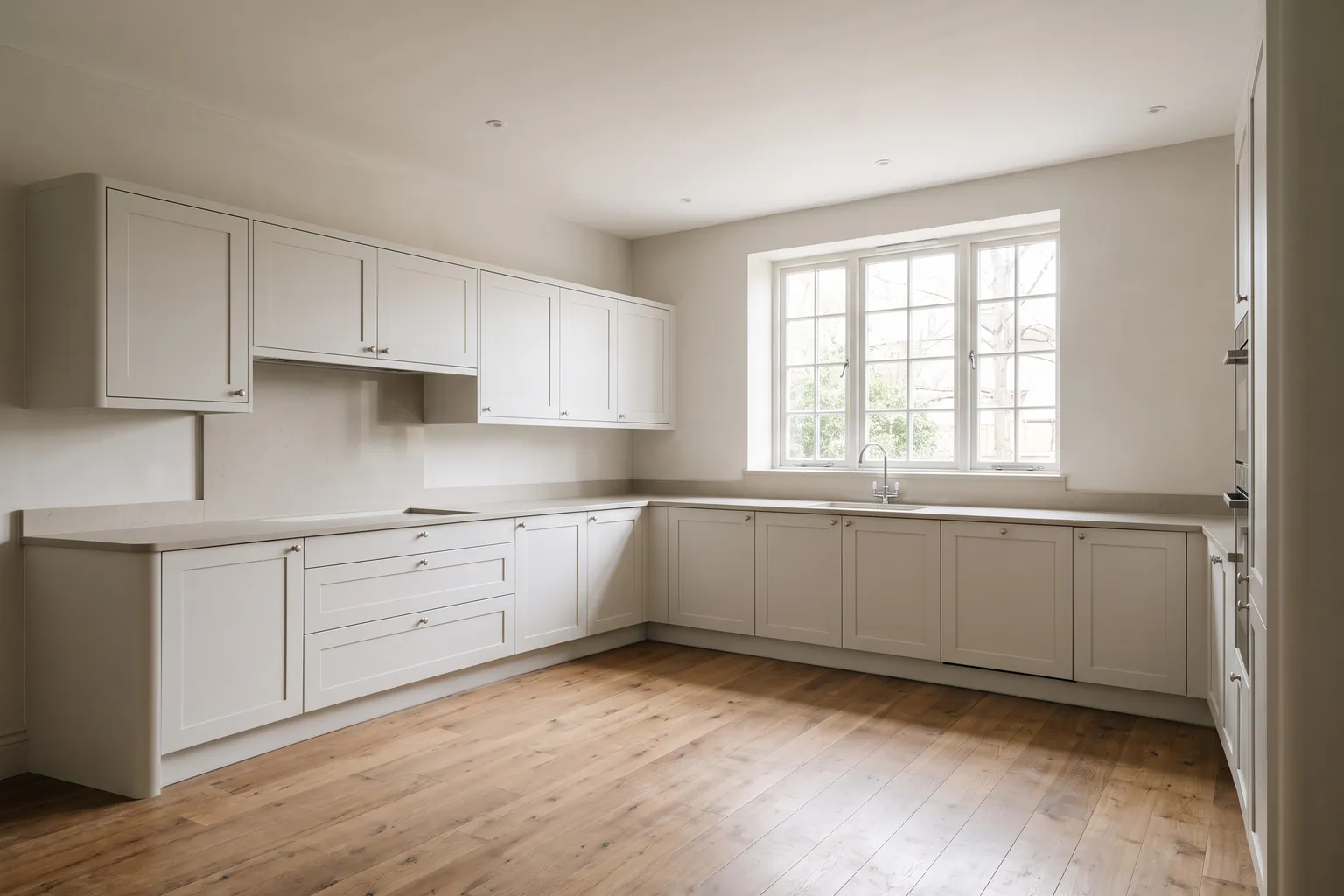
Illustrative example, AI-generated.
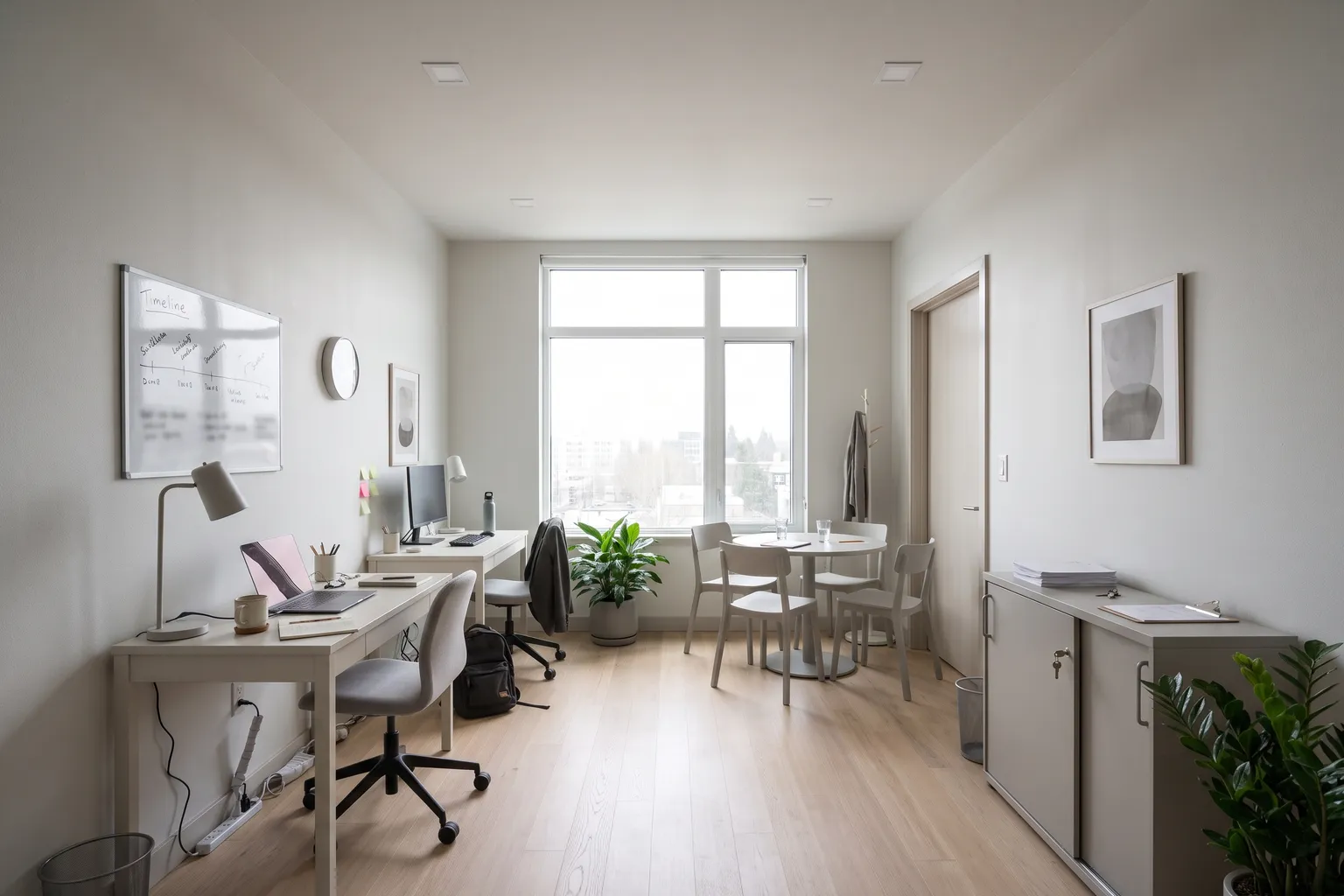
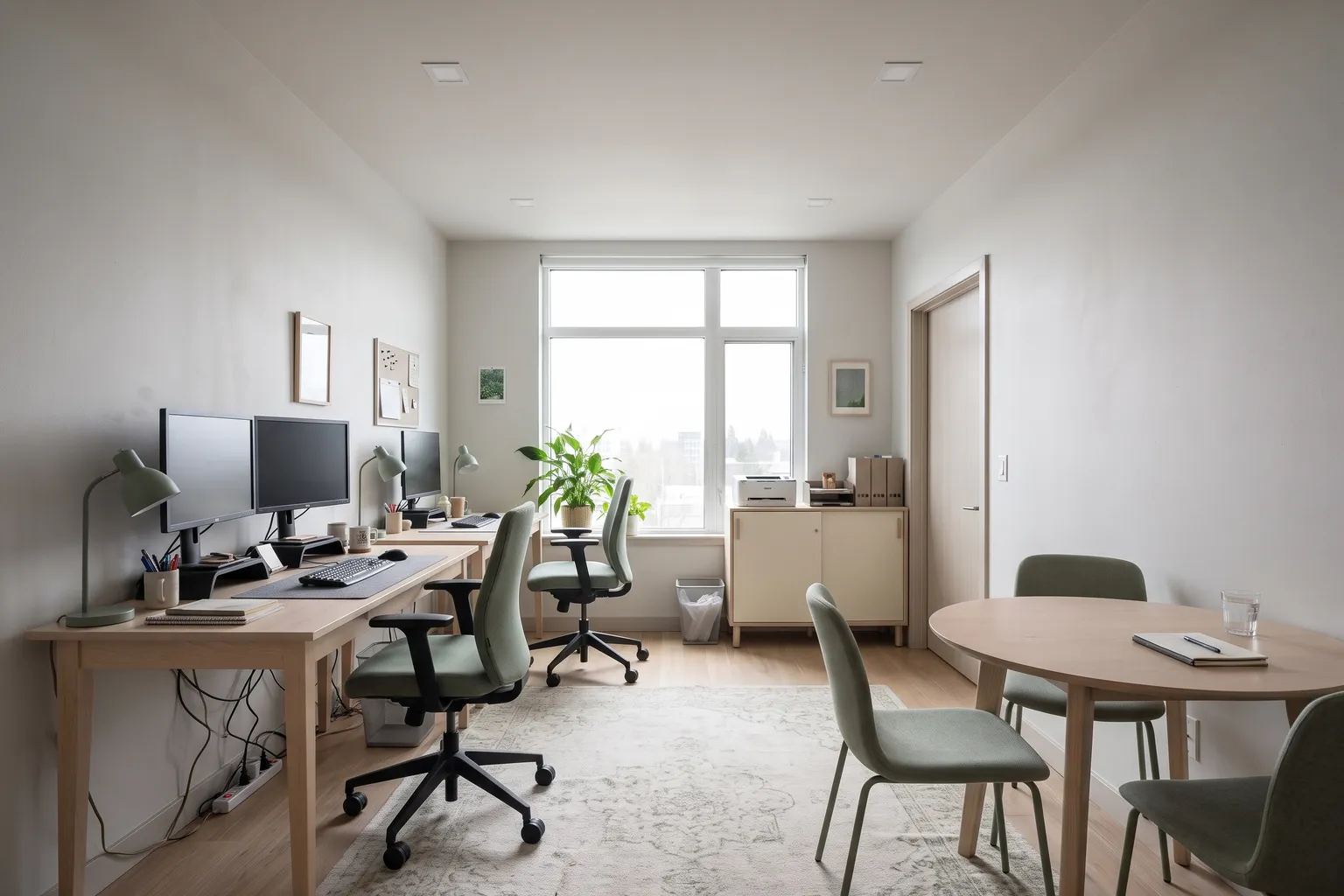
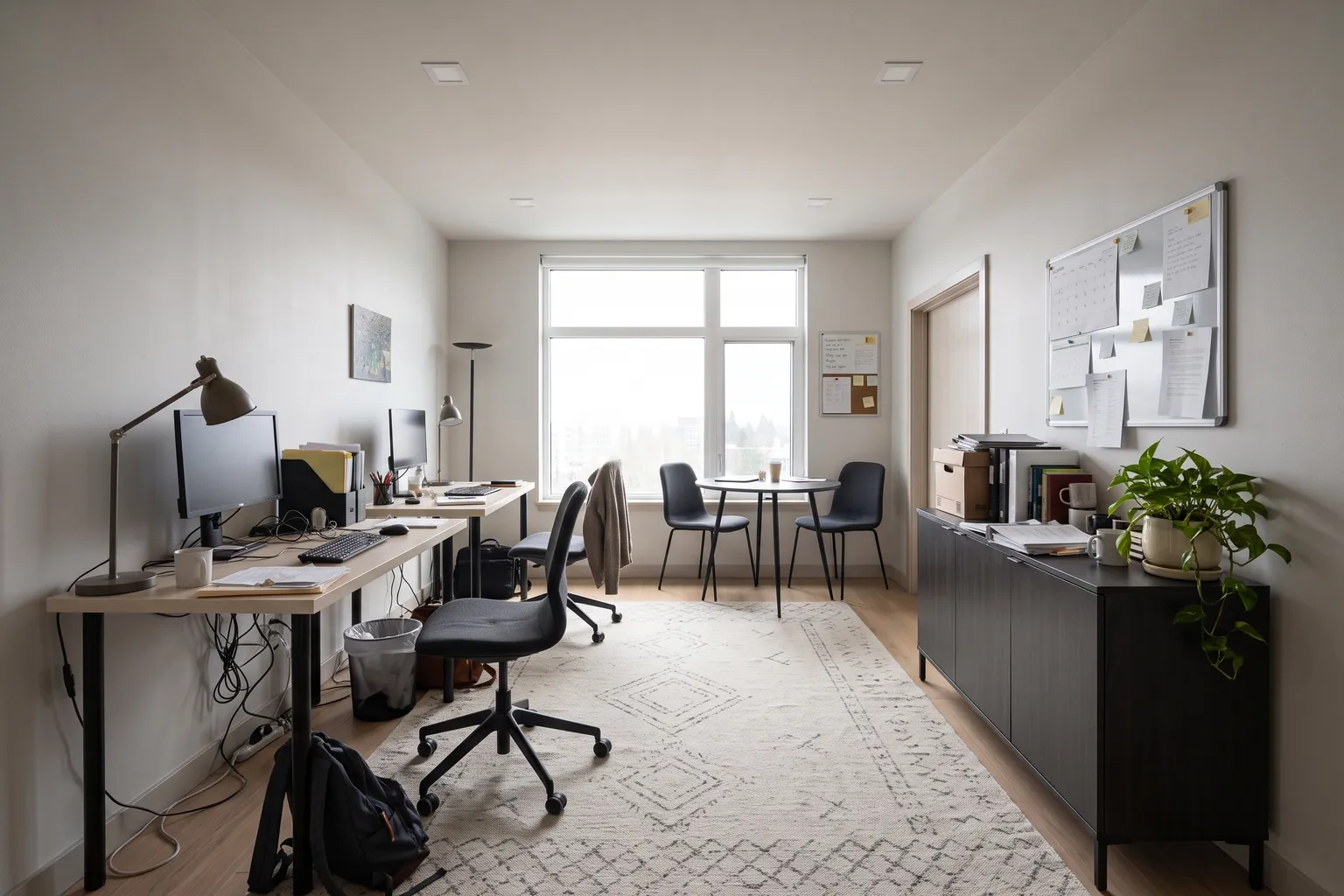
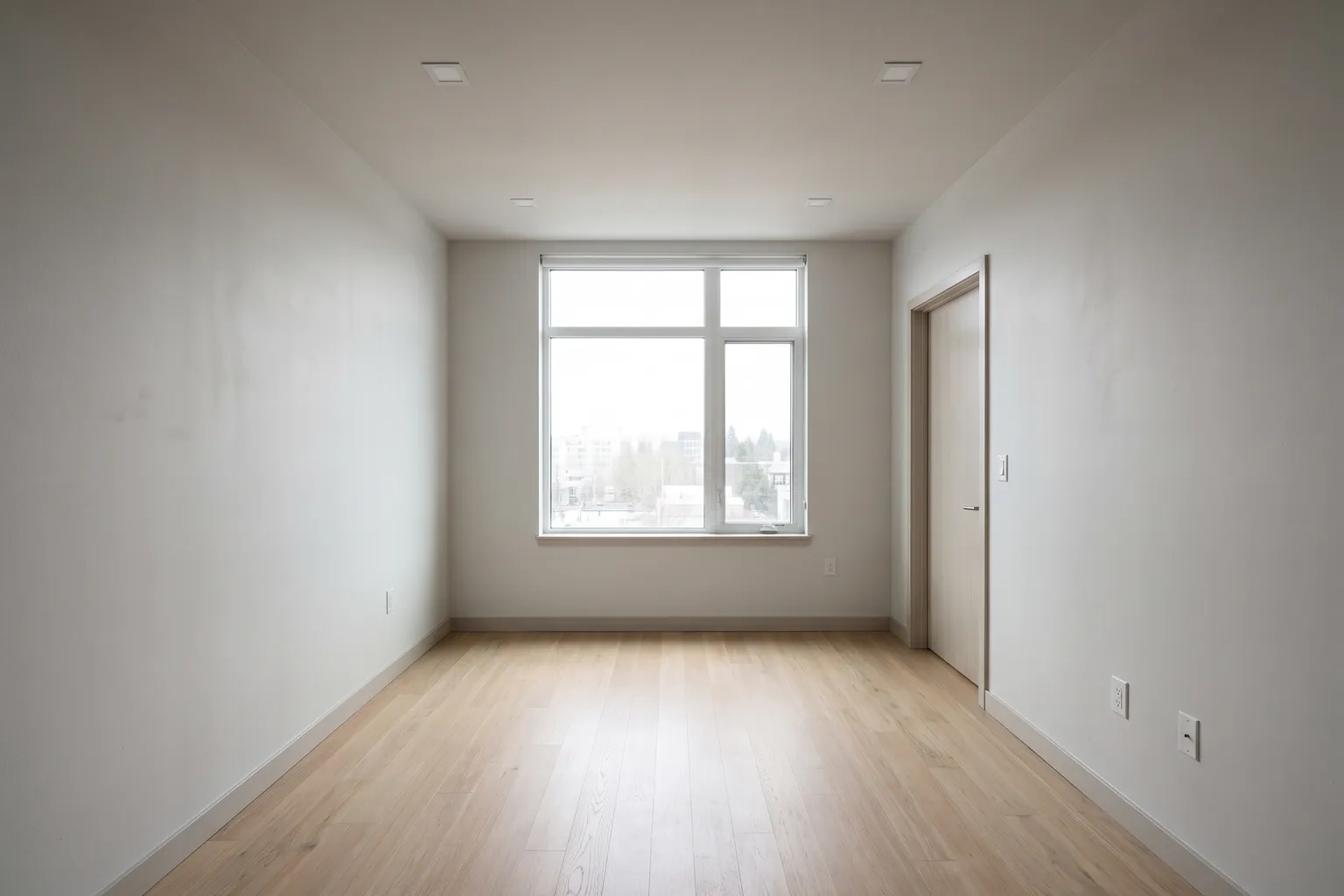
Illustrative example, AI-generated.
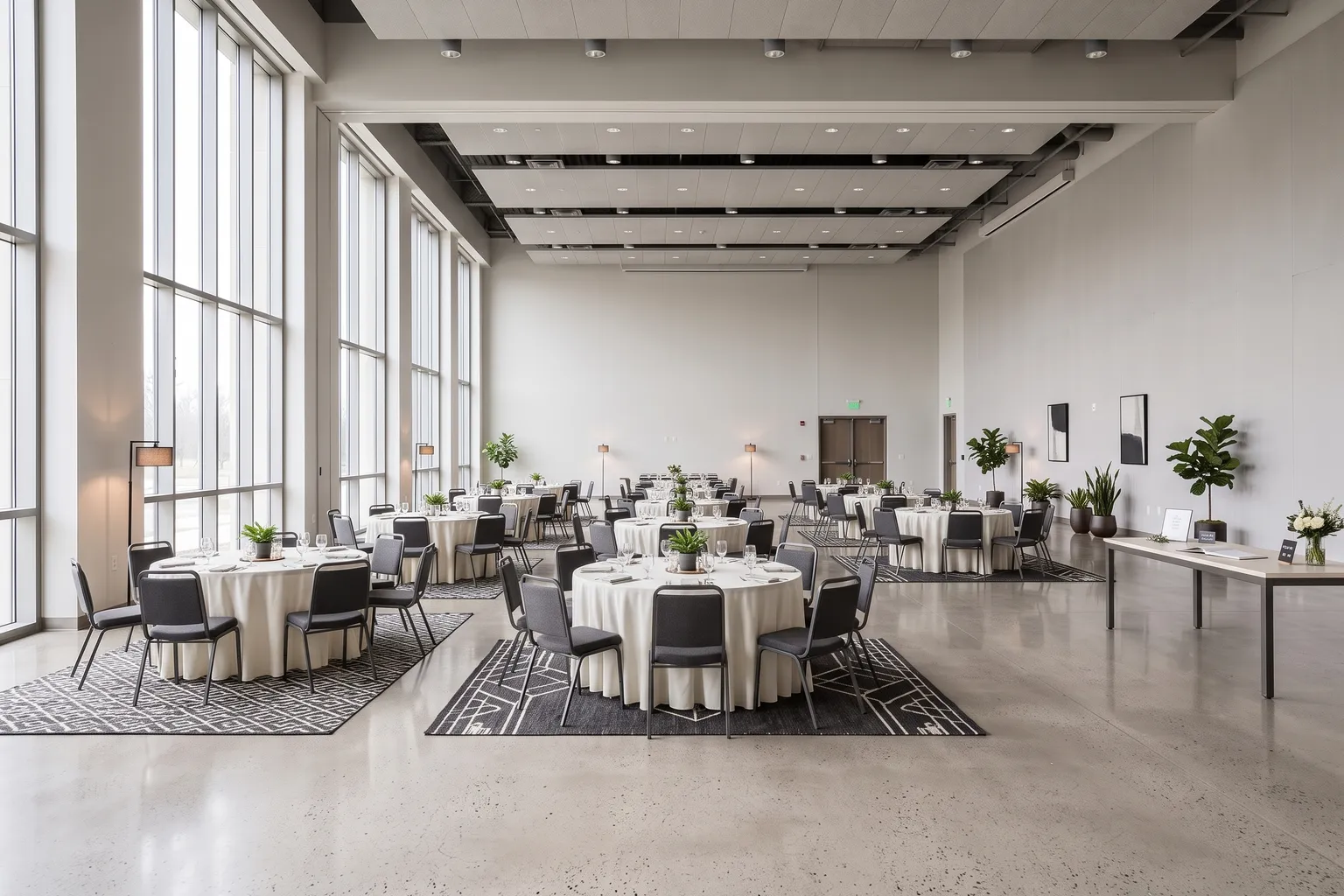
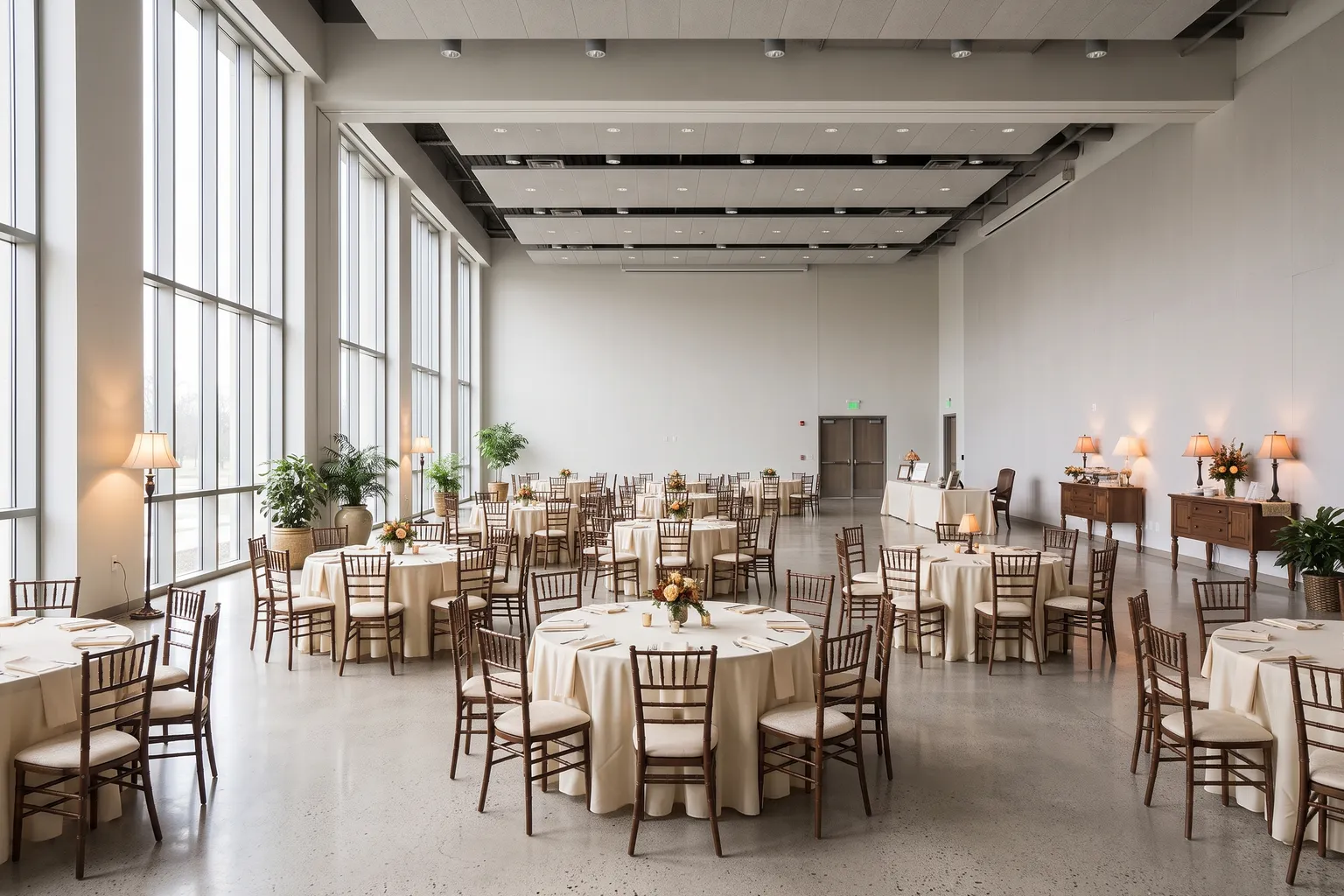
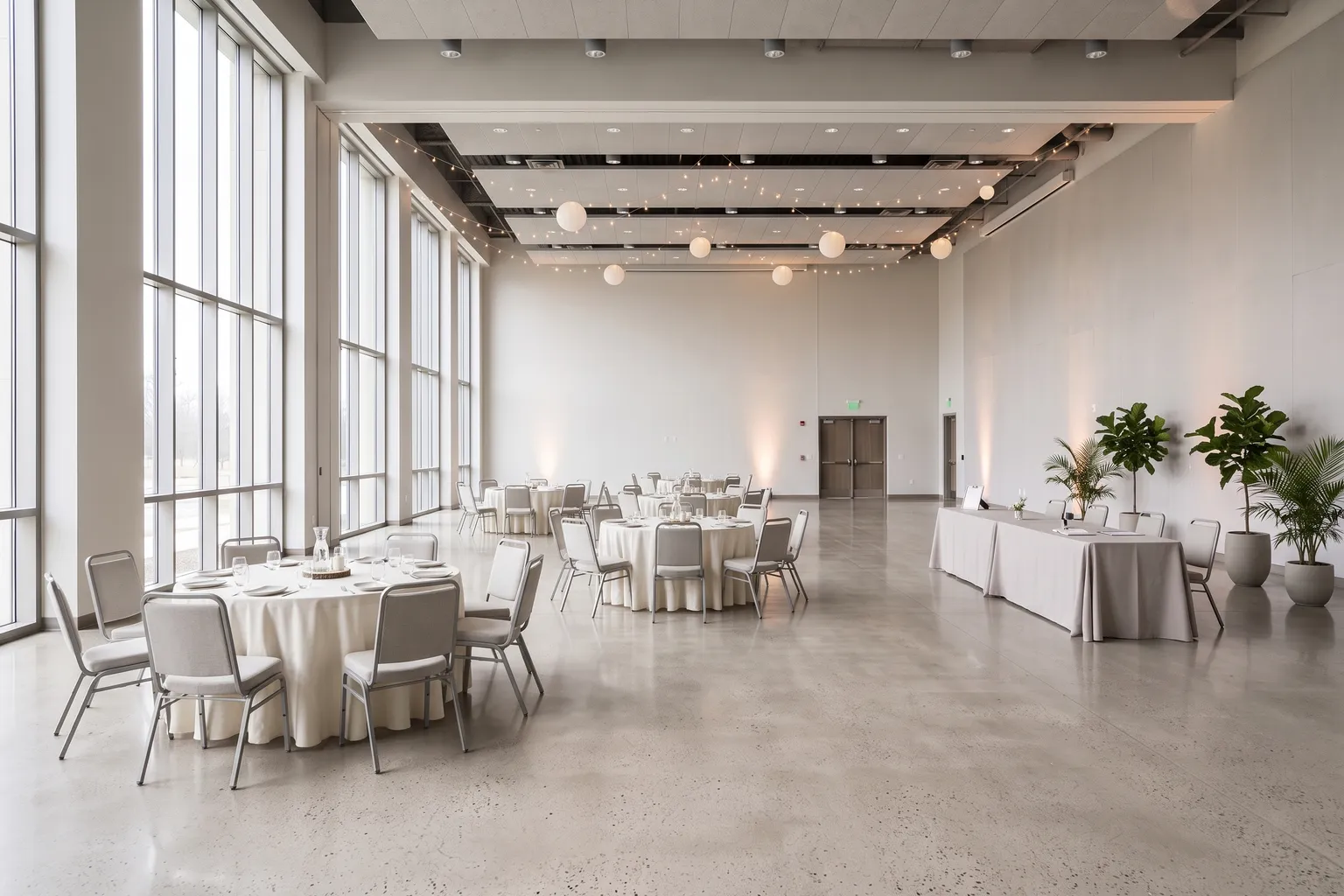
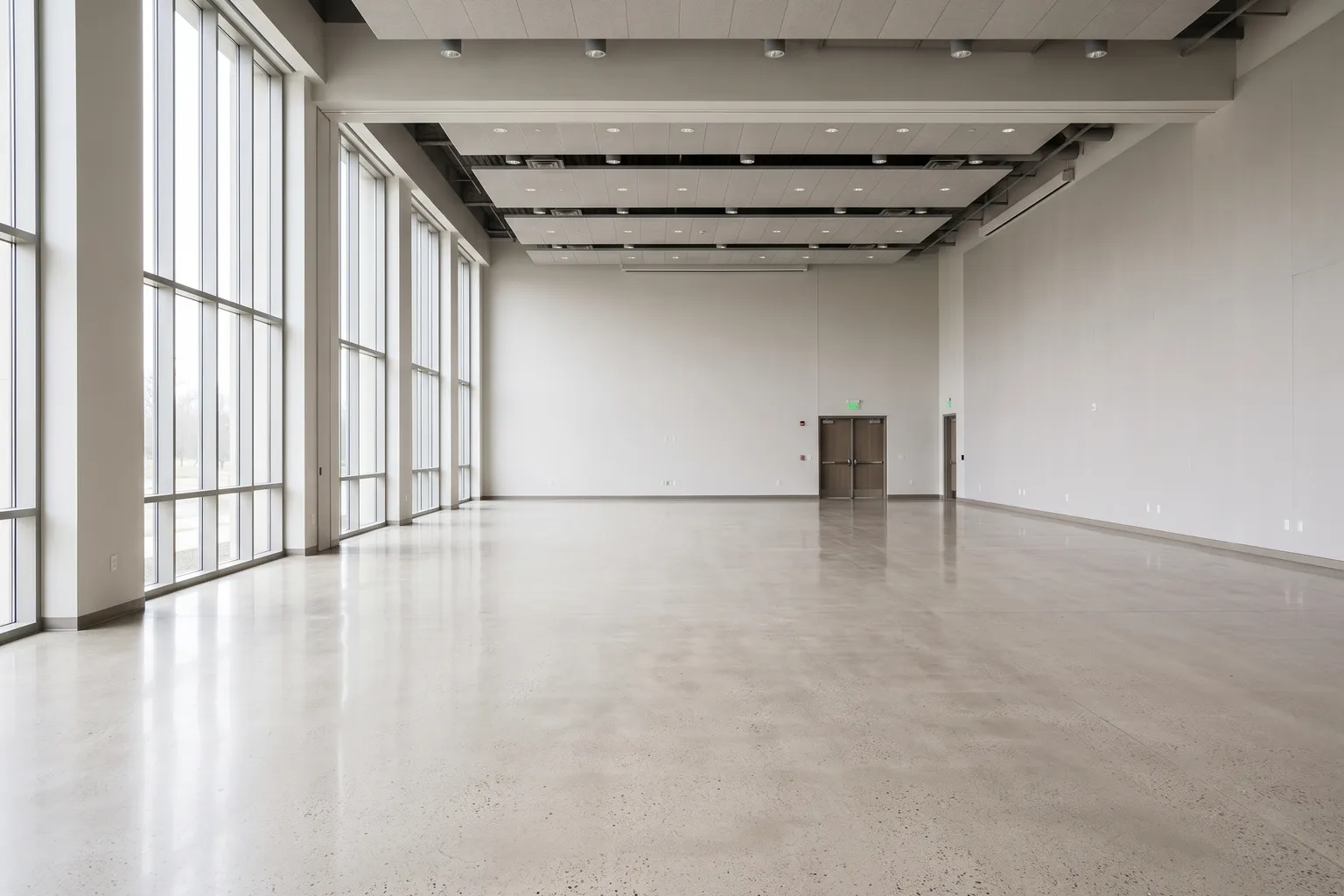
Illustrative example, AI-generated.
dizoda is coming to Android.
Google Play VERY SOONFrequently asked questions
When will dizoda be on Google Play?
We're preparing the Android release. The Google Play button on this page will open the store listing on launch day.
Is there an iPhone version?
Not at the moment; dizoda is Android-only.
My phone doesn't support AR. Can I still use it?
Yes. Start from photos of the room; dizoda estimates its size and asks you to confirm one length you know, such as a wall you've measured.
Does dizoda change my walls or windows?
No. Your photo stays the base; only furniture and decor change, and walls, windows and camera angle stay as they are.
Can I use it outdoors?
No. dizoda is for indoor spaces: homes, offices and halls.